
Export transactions
This export contains unencrypted financial records. Save it privately and share only with people you trust. Continue?
Search transactions
- Choose My money.
- Choose Your transactions.
- Complete Search transactions.
- Check Account.
- Check Category.
- Check Date.
 Enlarge screenshot
Export
This export contains unencrypted financial records. Save it privately and share only with people you trust. Continue?
If the export options are hidden, open Export first.
- Choose Export CSV.
- Choose Export.
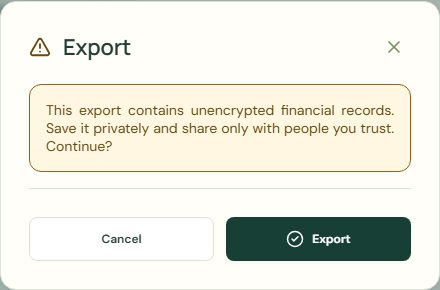 Enlarge screenshot
Export XLSX
This export contains unencrypted financial records. Save it privately and share only with people you trust. Continue?
- Choose Export XLSX.
- Choose Export.
Password and recovery
A recovery key helps with a forgotten password. An encrypted backup stored outside this device protects against a lost phone, uninstall, or cleared storage. Save and verify a backup now.
- Check Date.
- Check Amount.
- Check Account.
- Check Category.
Worked example
Example balance: $1,000.00 − $25.50 = $974.50.
- Enter Groceries in Search transactions.
- Choose Export CSV.
- Check Your transactions.
- Choose Export.
Current balance: $974.50 → $974.50
This export contains unencrypted financial records. Save it privately and share only with people you trust. Continue?
Common mistakes and fixes
This export contains unencrypted financial records. Save it privately and share only with people you trust. Continue?
- Check Account.
- Check Category.
- Check Date.
- Choose Encrypted backup.
Wait for save confirmation. If an error appears, correct it before continuing.