
Transfer
A transfer moves money between your accounts. It is not income or spending.
Transfer
- Choose My money.
- Choose Add transaction.
- Choose Transfer.
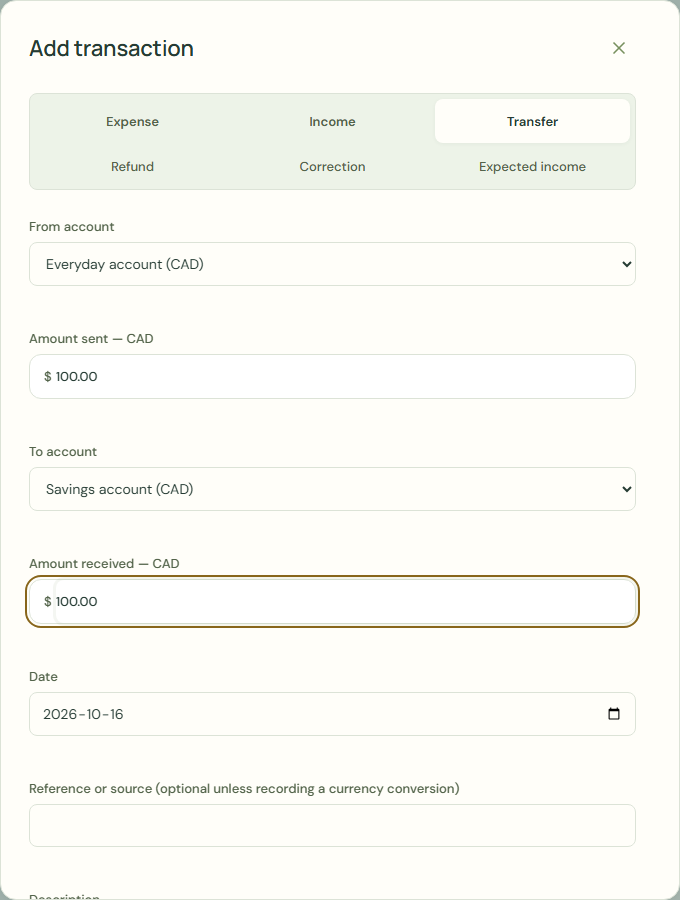 Enlarge screenshot
Steps
Neither account uses the budget currency. Enter the actual value recorded in your budget currency for this exchange; no market rate is assumed.
Sent and received amounts exclude the fee. Editing this form updates both the transfer and its linked fee expense; unchecking the fee removes the expense. Deleting only the transfer keeps the expense. Fees are never inferred from market rates.
- Complete From account.
- Complete To account.
- Complete Amount sent.
- Complete Amount received.
- Complete Date.
- Complete Reference or source (optional unless recording a currency conversion).
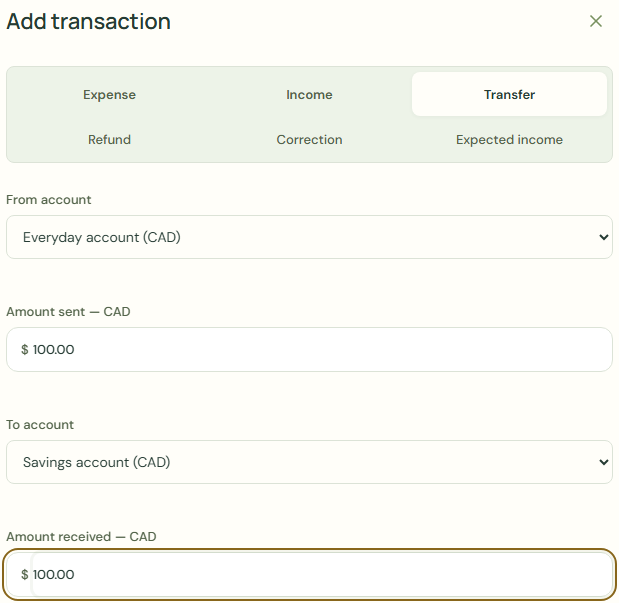 Enlarge screenshot
What should happen
- If requested, complete Historical book value.
- Check From account.
- Check To account.
- Choose Save transaction.
- Check Your accounts.
Worked example
Example balance: $1,000.00 − $25.50 = $974.50.
- Choose Everyday account for From account.
- Choose Savings account for To account.
- Enter 100.00 in Amount sent.
- Enter 100.00 in Amount received.
- Choose Save transaction.
- Check Your accounts.
Current balance: $974.50 − $100.00 = $874.50
Savings account: $0.00 + $100.00 = $100.00
A transfer moves money between your accounts. It is not income or spending.
Common mistakes and fixes
A transfer moves money between your accounts. It is not income or spending.
- Choose Transfer.
- Check From account.
- Check To account.
Wait for save confirmation. If an error appears, correct it before continuing.