
Manage categories
Rename without changing past records. Archive to hide from new entries; only unused custom entries can be deleted.
Create
- Choose Settings & help.
- Choose Manage categories.
- Complete Name.
- Choose Create.
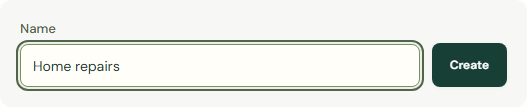 Enlarge screenshot
Manage categories
Rename without changing past records. Archive to hide from new entries; only unused custom entries can be deleted.
- Complete Category.
- Complete Rename.
- Complete Category group.
- Complete Display order.
- Check Hide from new entries.
- Choose Save.
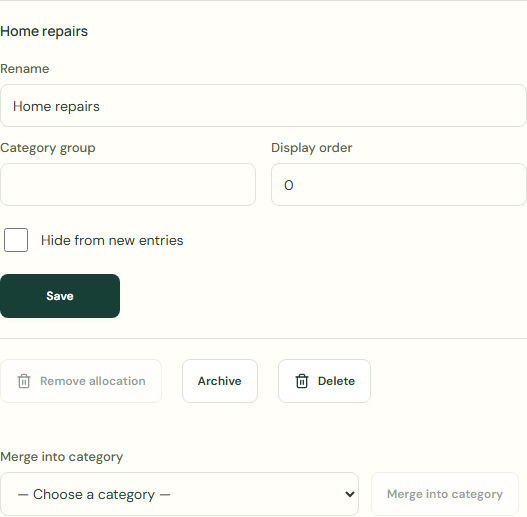 Enlarge screenshot
Archive
Could not save. Use a unique name; delete only unused custom entries. Merged allocations must have matching rollover rules.
- Check Category.
- Choose Archive.
Unarchive
- Complete Category.
- Choose Unarchive.
Worked example
Example balance: $1,000.00 − $25.50 = $974.50.
- Enter Home repairs in Name.
- Choose Create.
- Choose Home repairs for Category.
- Check Rename.
- Choose Save.
Current balance: $974.50 → $974.50
Common mistakes and fixes
Rename without changing past records. Archive to hide from new entries; only unused custom entries can be deleted.
- Check Category.
- Check Hide from new entries.
- Check Your transactions.
Wait for save confirmation. If an error appears, correct it before continuing.