
New bill
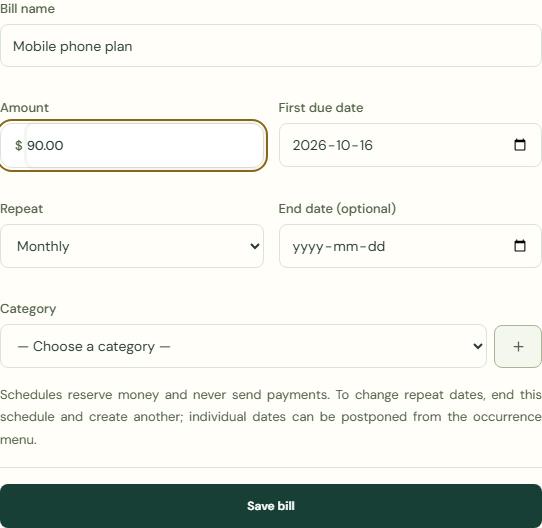
Schedules reserve money and never send payments. To change repeat dates, end this schedule and create another; individual dates can be postponed from the occurrence menu.
New bill
- Choose Plans & goals.
- Choose Bills & commitments.
- Choose New bill.
 Enlarge screenshot
Steps
- Complete Bill name.
- Complete Category.
- Complete Amount.
- Complete First due date.
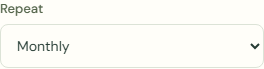
- Complete Repeat.
- Complete End date (optional).
 Enlarge screenshot
What should happen
- Check First due date.
- Check Repeat.
- Choose Save bill.
- Check Bills & commitments.
Worked example
Example balance: $1,000.00 − $25.50 = $974.50.
- Enter Mobile phone plan in Bill name.
- Enter 90.00 in Amount.
- Complete First due date.
- Choose Monthly for Repeat.
- Choose Save bill.
- Check Bills & commitments.
Current balance: $974.50 → $974.50
Schedules reserve money and never send payments. To change repeat dates, end this schedule and create another; individual dates can be postponed from the occurrence menu.
Common mistakes and fixes
Schedules reserve money and never send payments. To change repeat dates, end this schedule and create another; individual dates can be postponed from the occurrence menu.
- Check First due date.
- Check Repeat.
- Choose Mark paid.
Wait for save confirmation. If an error appears, correct it before continuing.